Null Alias Destination
Setting an alias destination to null in ImprovMX
lets you silently drop emails without forwarding or bounce-backs. Useful for:
- Silently dropping spam sent to a specific alias.
- Pausing forwarding without rejecting mail.
Null destination emails are not counted towards your forwarding quota.
Setup:
- Log in to ImprovMX and go to your domain's Aliases dashboard.
- In the Alias field → enter Alias.
-
In the Destination field → enter
null. - Click Add.
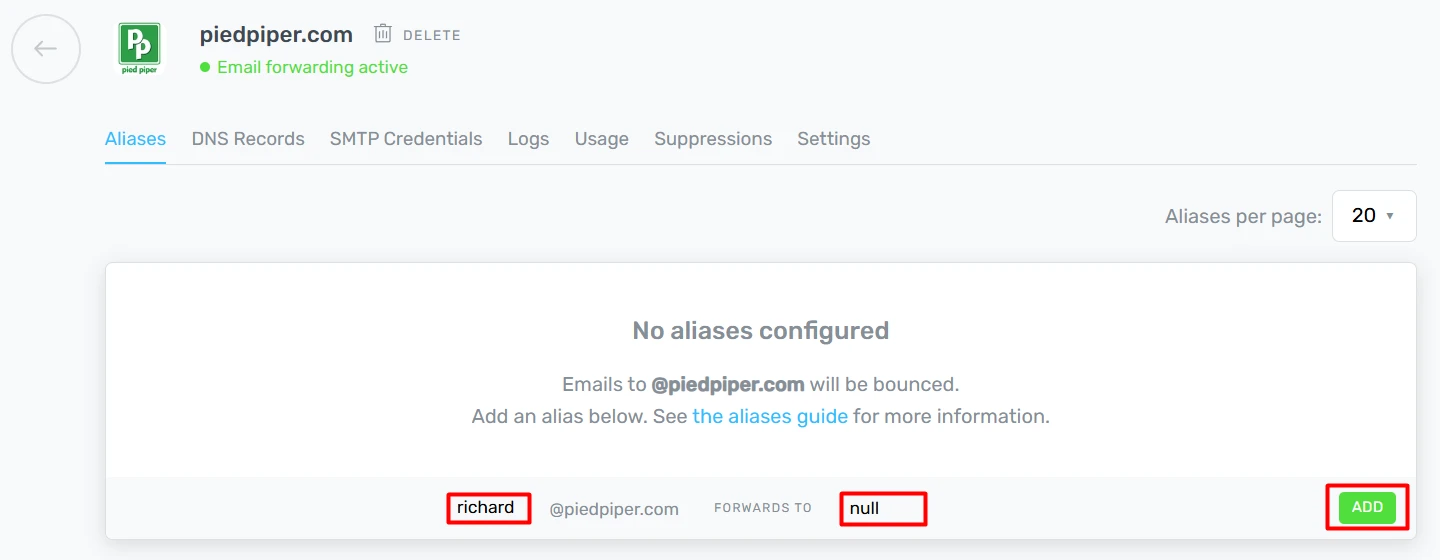
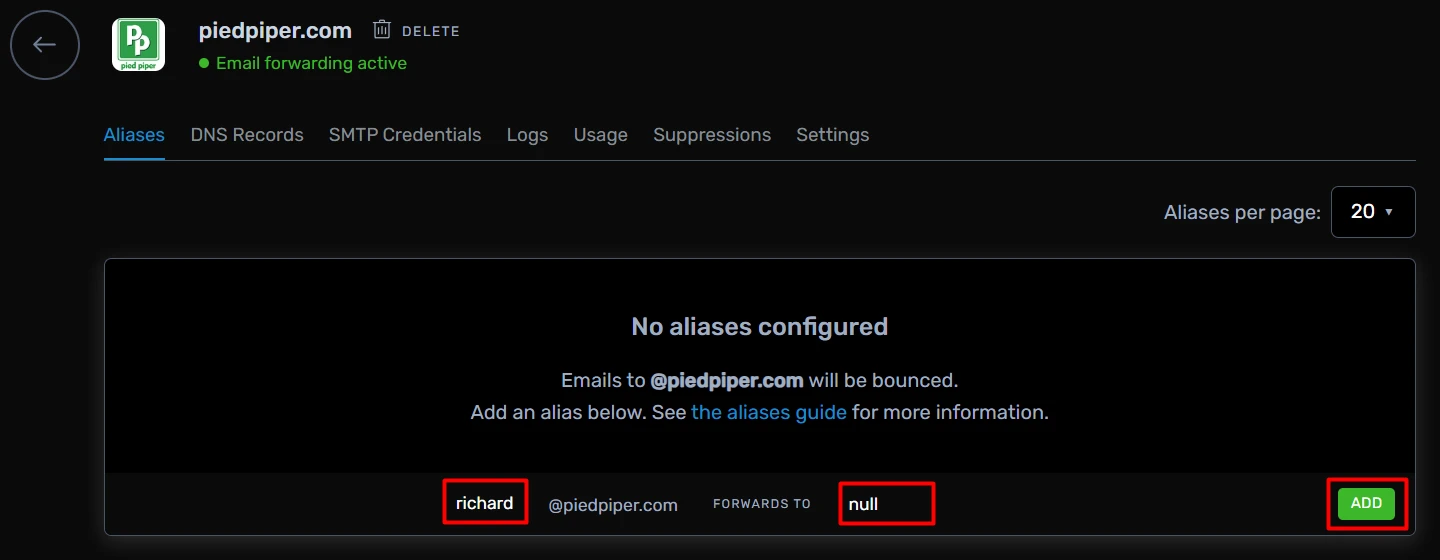
Result: Emails to that alias are accepted but then discarded, with no delivery or error.
Still have questions? Feel free to reach out to our support team!